Virtual Display & KVM
Solution
CyberKVM is a powerful virtual display and KVM (Keyboard, Video, Mouse) solution. Create virtual displays, manage multiple monitors, configure advanced keybindings, and control your system with precision.
Powerful Features
Everything you need for virtual displays and KVM control
Virtual Display Management
Create and manage multiple virtual displays with ease. Extend your desktop workspace beyond physical monitors.
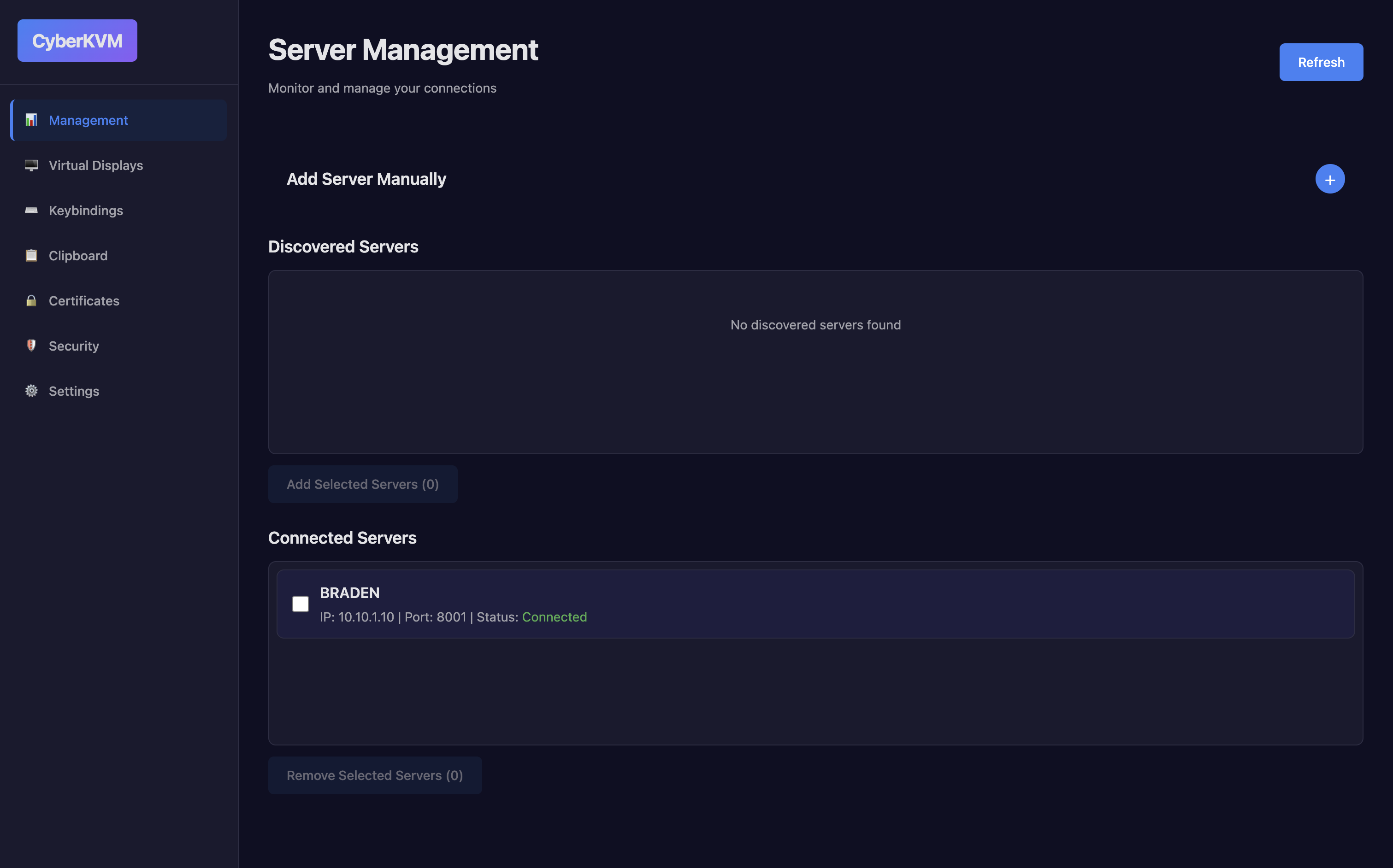
Connection Management
Seamlessly connect and manage multiple devices. Monitor connection status and manage active sessions.
Advanced Keybindings
Configure custom keybindings and shortcuts. Create powerful automation workflows and streamline your workflow.
Multi-Display Support
Manage multiple displays simultaneously. Switch between displays, configure layouts, and optimize your workspace.
Hot-Plug Support
Hot-plug virtual displays on demand. The computer uses service discovery, so other computers running this app will show up here and connecting to them is seamless.
Clipboard Management
Share, view, and manage clipboard contents across devices. Quickly paste content between machines.
Assign Clipboard Buffer
Assign specific clipboard buffers to different targets for predictable clipboard behavior between hosts.
Settings & Preferences
Fine tune application behavior, appearance, and defaults from a centralized settings page.
Local Certificates (SSL)
Manage local certificates and SSL settings to secure connections and trust chains.
Security
Review security settings, and encryption options to keep your environment secure.
Ready to enhance your display setup?
Download CyberKVM today and experience powerful virtual display and KVM management.
Application Screenshots
See CyberKVM in action
Connection Management
Monitor and manage device connections
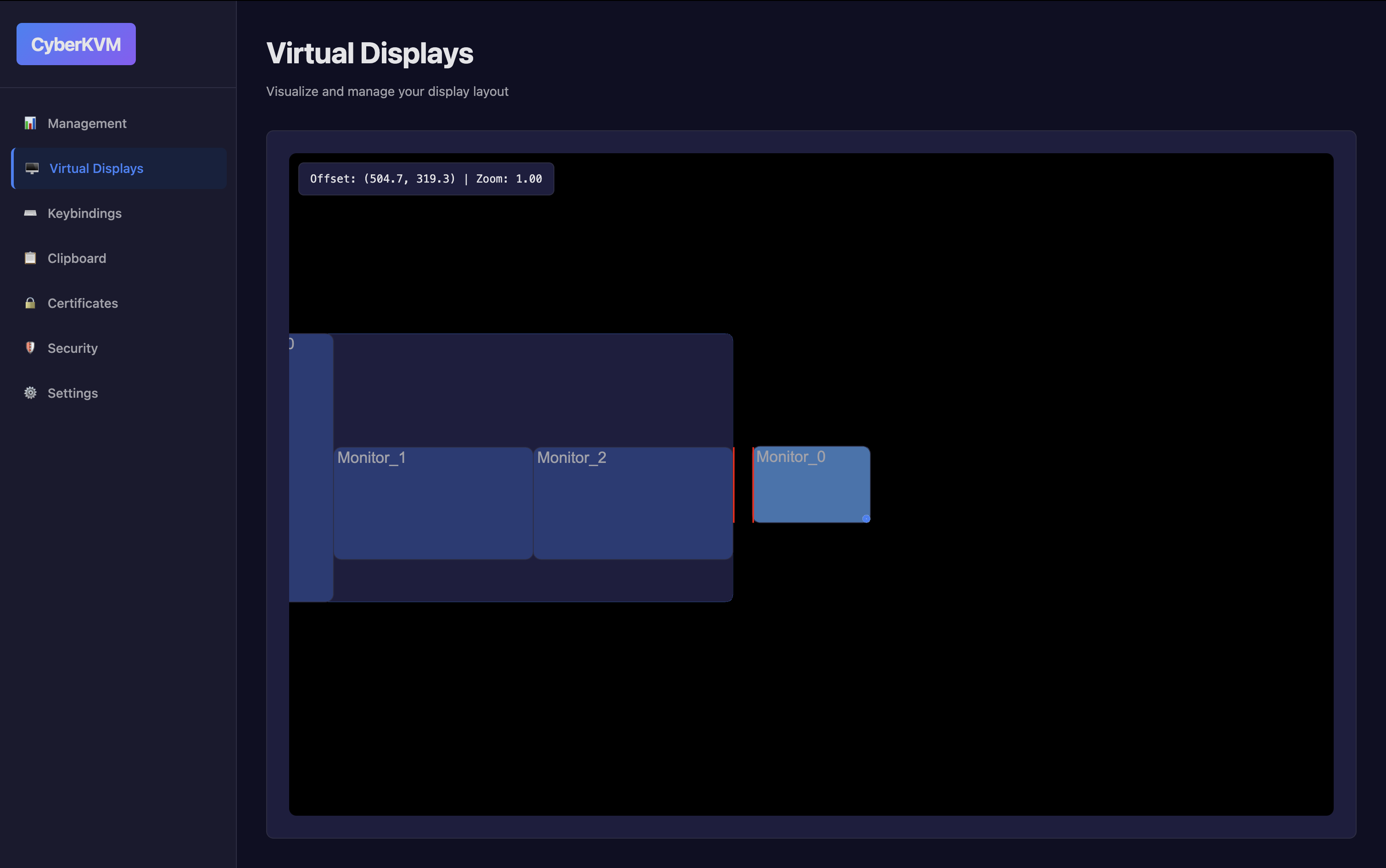
Display Management
Configure and manage virtual displays
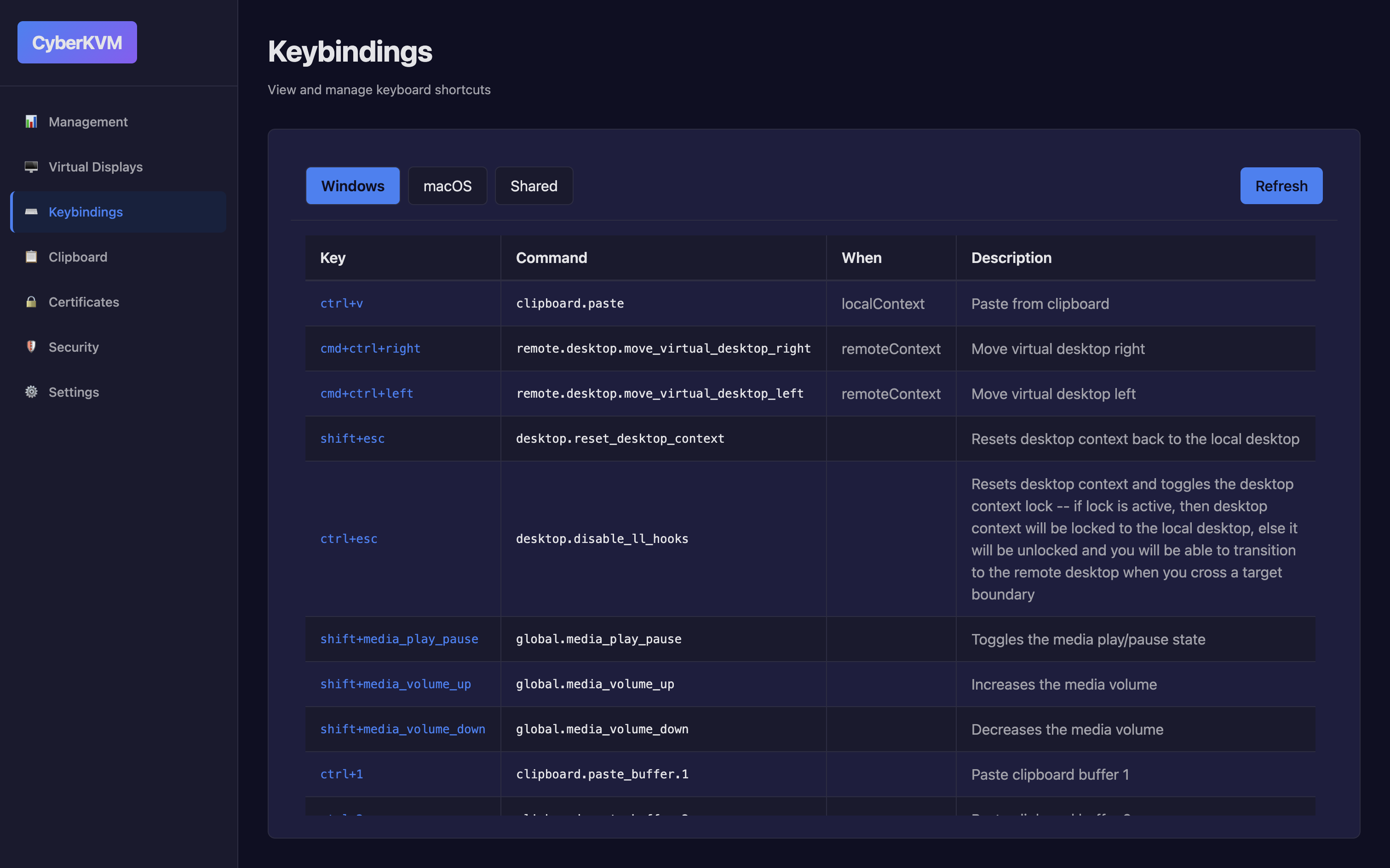
Keybinding Configuration
Create custom keybindings and shortcuts
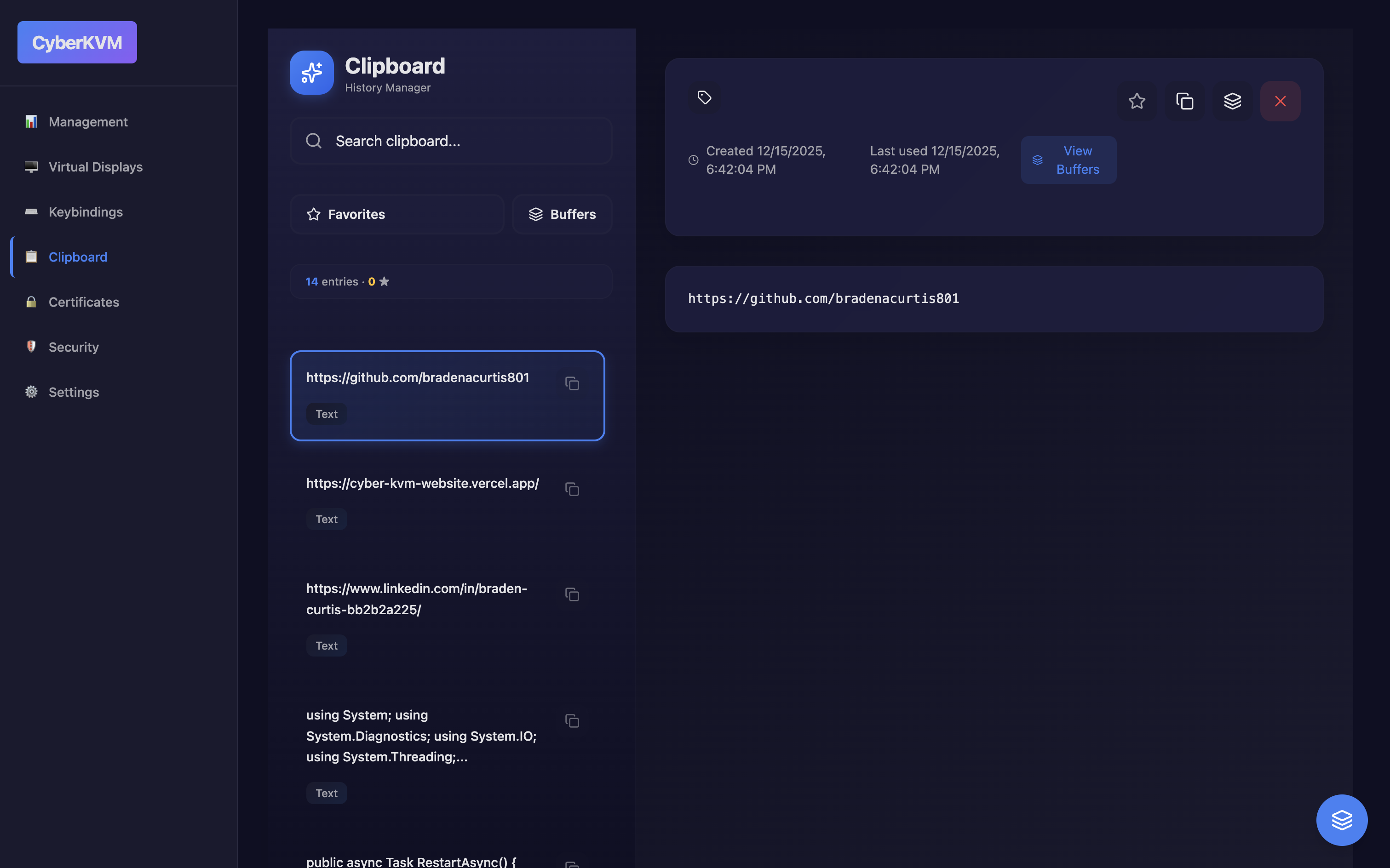
Clipboard View
View and manage clipboard contents and history
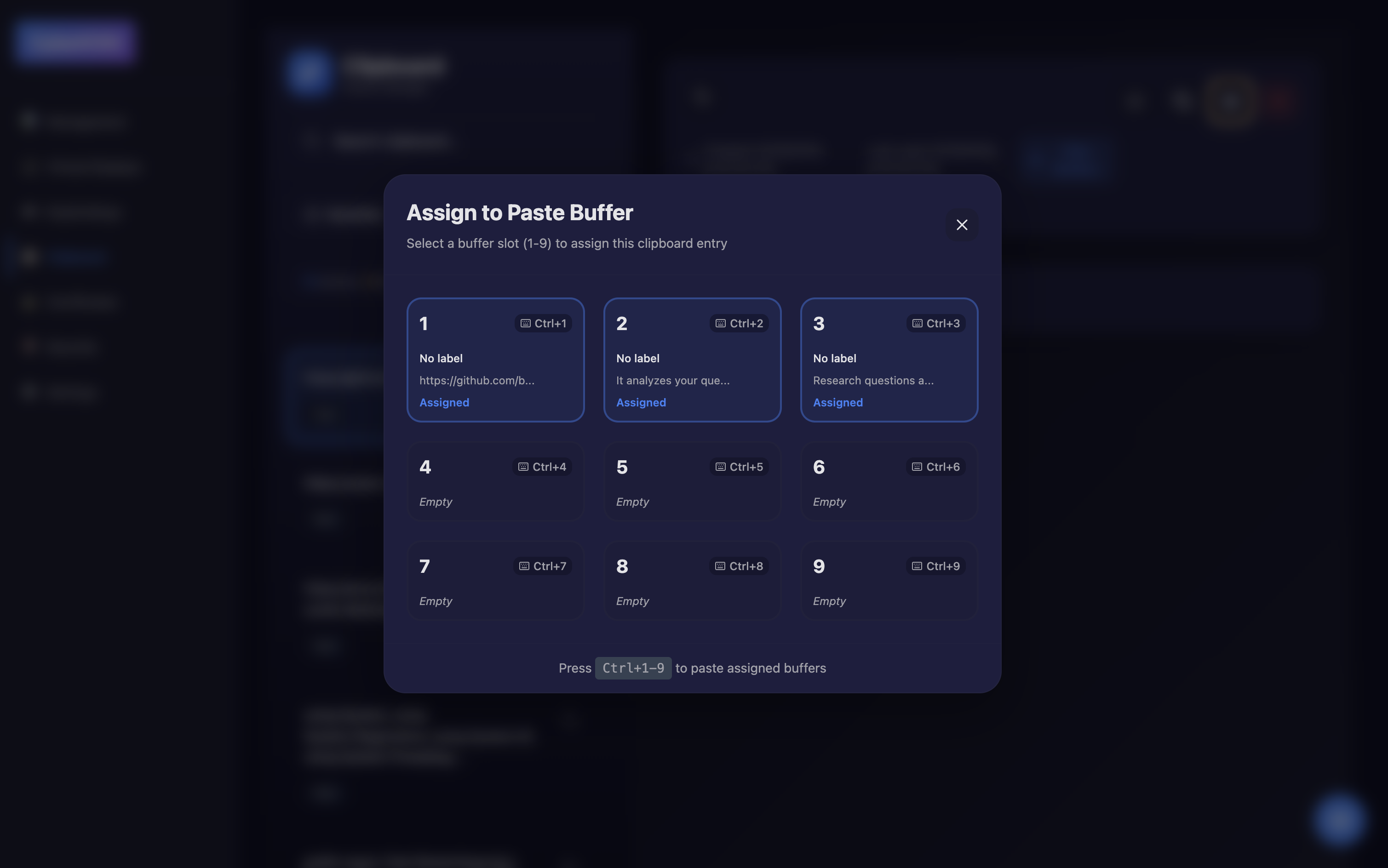
Assign Clipboard Buffer
Assign and manage clipboard buffers between machines
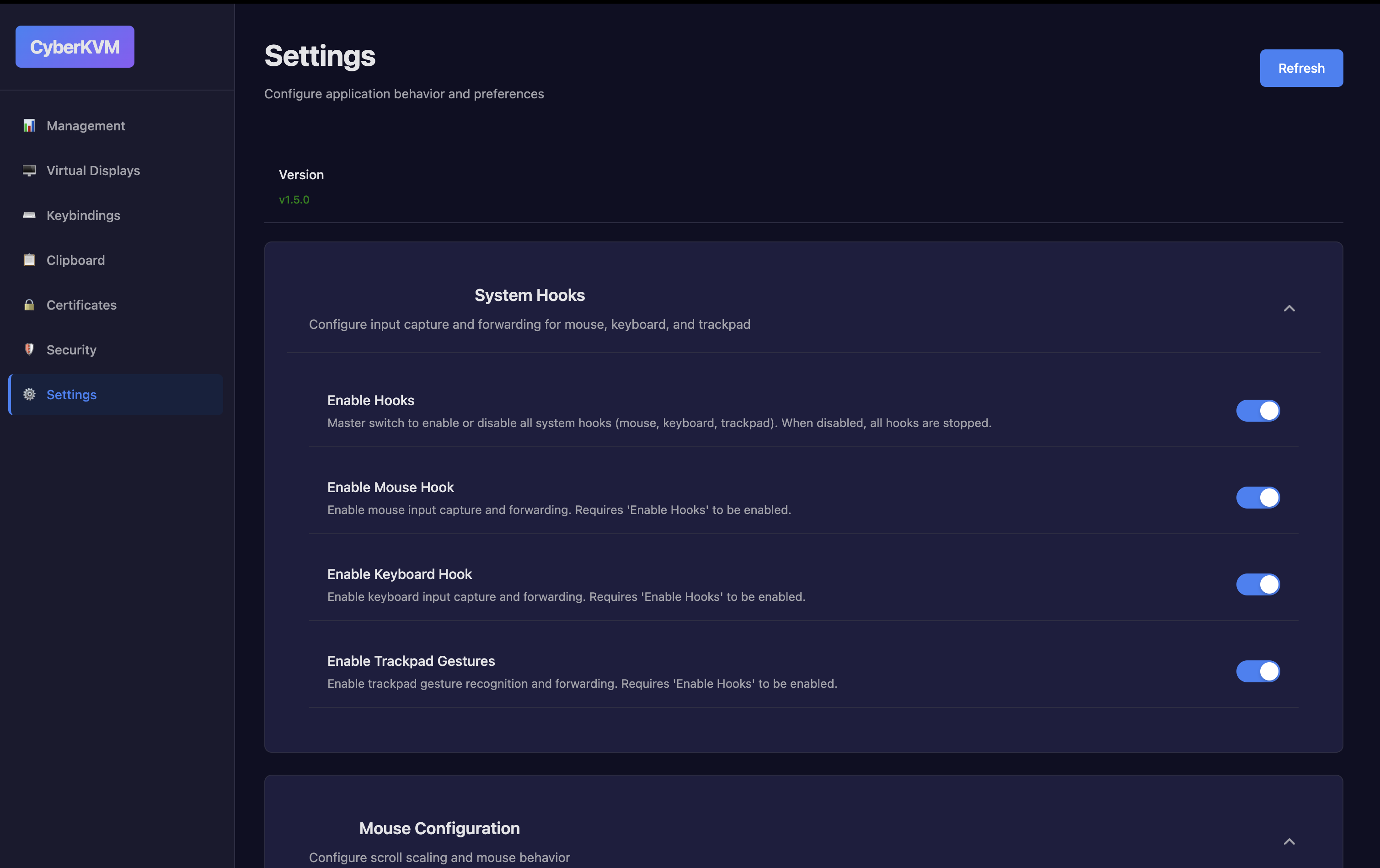
Application Settings
Configure application preferences and behavior
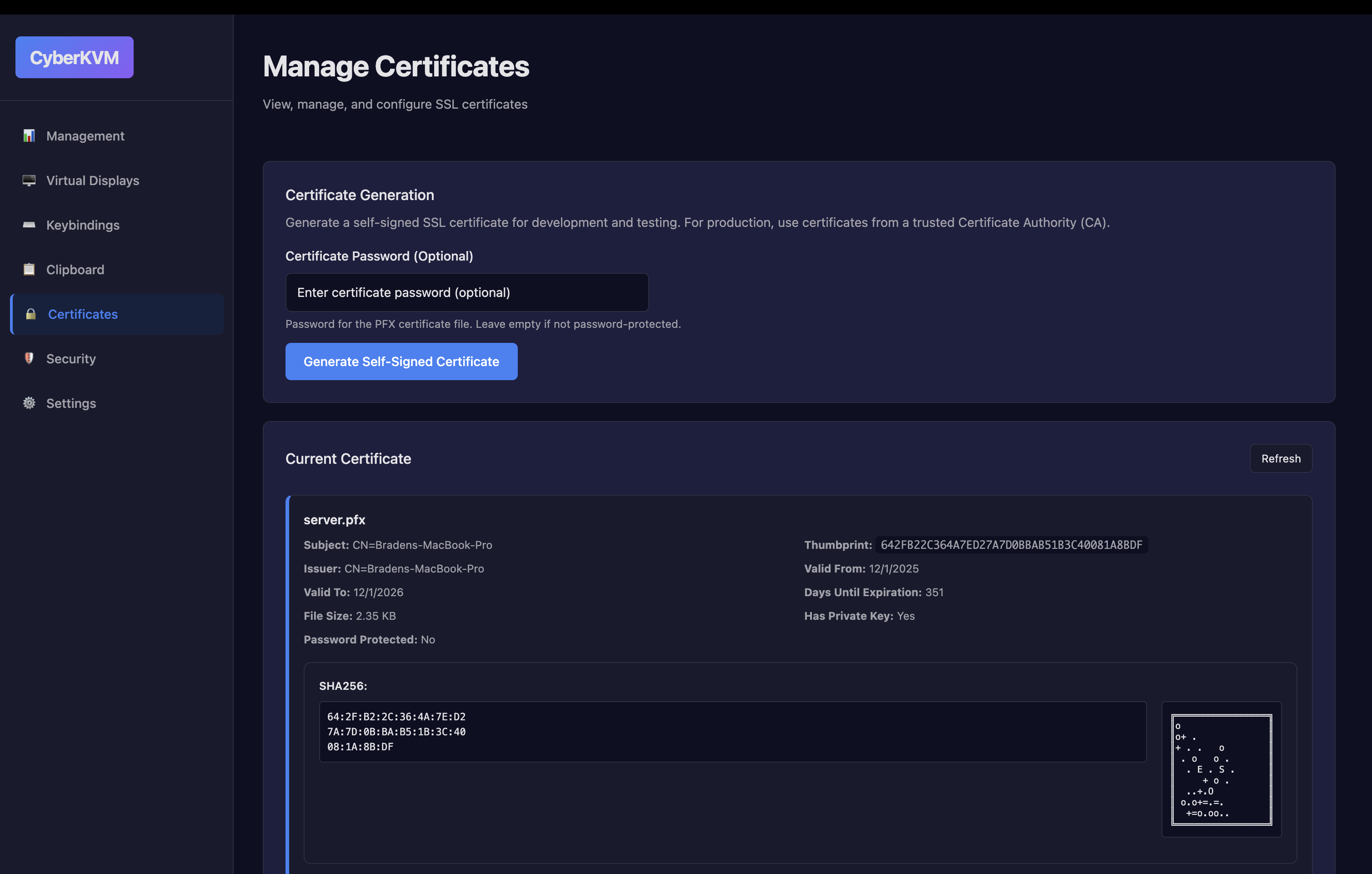
Certificates
Manage local certificates and security settings
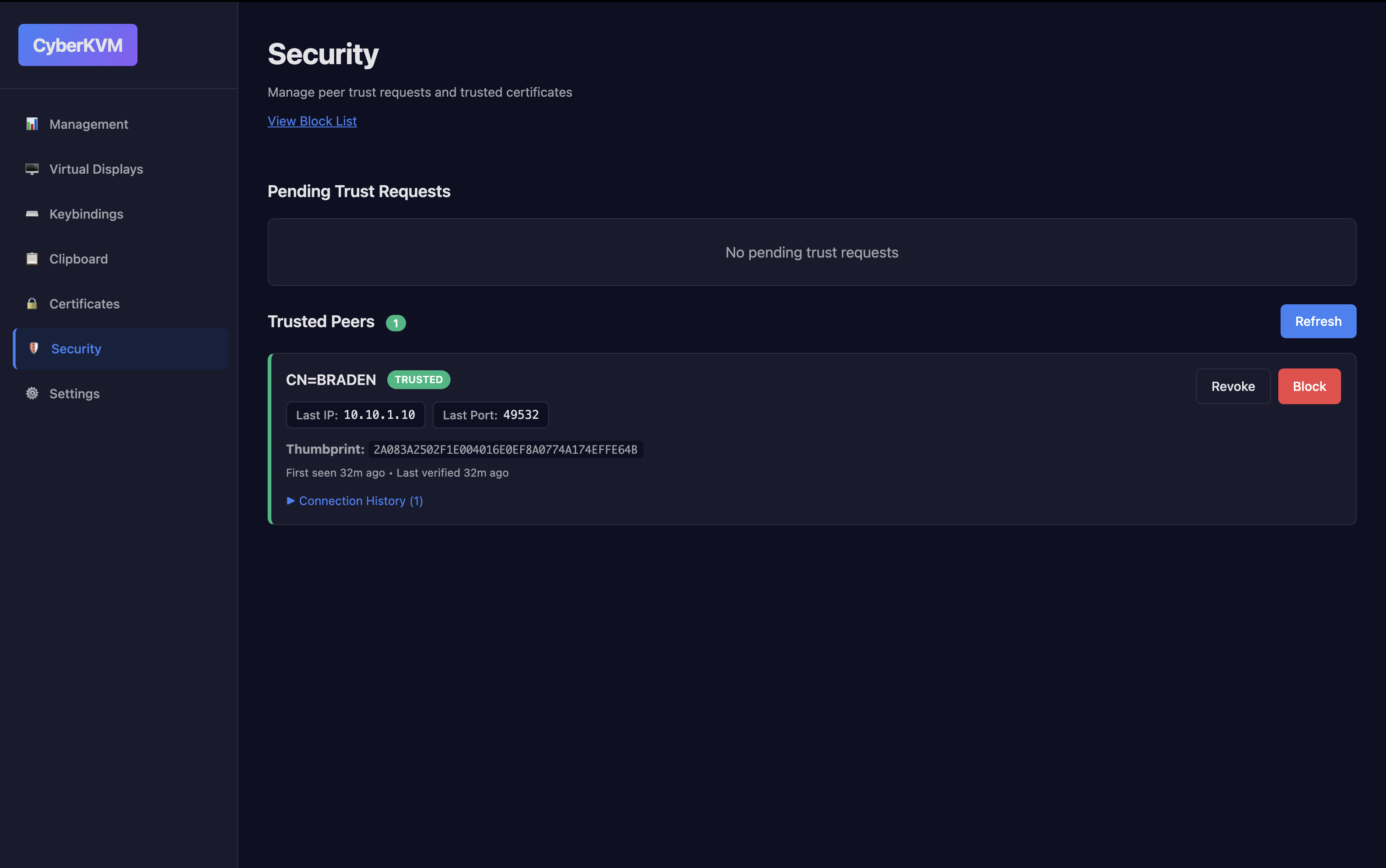
Security Overview
Security settings
See It In Action
Watch CyberKVM in action
Want to see CyberKVM in action? Download the application and try it yourself!
Get CyberKVM
Download CyberKVM to start creating virtual displays and managing your KVM setup
System Requirements
Windows
- • Windows 10 or later
- • 200MB free storage
- • Administrator privileges
macOS / Linux
- • macOS 10.14+ or Linux (various distros)
- • 200MB free storage
- • System permissions for display management
Get In Touch
Have questions or feedback? We'd love to hear from you!